What Is an Audio Interface?
Updated Nov 11, 2026 · By  Jonah Mercer · Editorial policy
As an Amazon Associate I earn from qualifying purchases. Buying through the Amazon links on this page costs you nothing extra. Full disclosure
An audio interface is a box that connects a microphone or instrument to a computer and turns the analog signal into digital audio the computer can record, then turns digital audio back into analog sound for speakers or headphones. It sits between your mic or guitar and your recording software, and it replaces the computer's sound card for recording.
What an audio interface does
A microphone or instrument sends an analog signal, and the interface converts it to digital audio your computer can store and edit. A mic preamp raises a microphone's weak signal to a level the converter can use, and the interface also converts digital audio back to analog for your speakers or headphones.
Match the inputs to what you record
Count the sources you record at the same time, and pick an interface with at least that many inputs. Microphones plug into XLR inputs, a guitar or bass plugs into a Hi-Z instrument input, and keyboards and other line-level gear use line inputs. If you use a condenser microphone, the interface needs a 48V phantom power switch for that input.
Connect it and set the gain
Connect the interface to your computer with its USB cable, plug your microphone into an XLR input and your headphones into the headphone output, and connect speakers to the line outputs. Turn the input gain up while you play or speak at your normal level, and stop before the input meter hits its top, which means the signal is too loud. Turn 48V phantom power on only for a condenser microphone that needs it.
Listen back through the interface
Set your recording software to use the interface as its input and output device, so what you record and what you hear both pass through it. Use the interface's headphone output or its line outputs for playback instead of the computer's own headphone jack. If your voice or instrument sounds delayed in your headphones, switch on direct monitoring if your interface has it, so you hear the input signal straight from the interface.
What you need
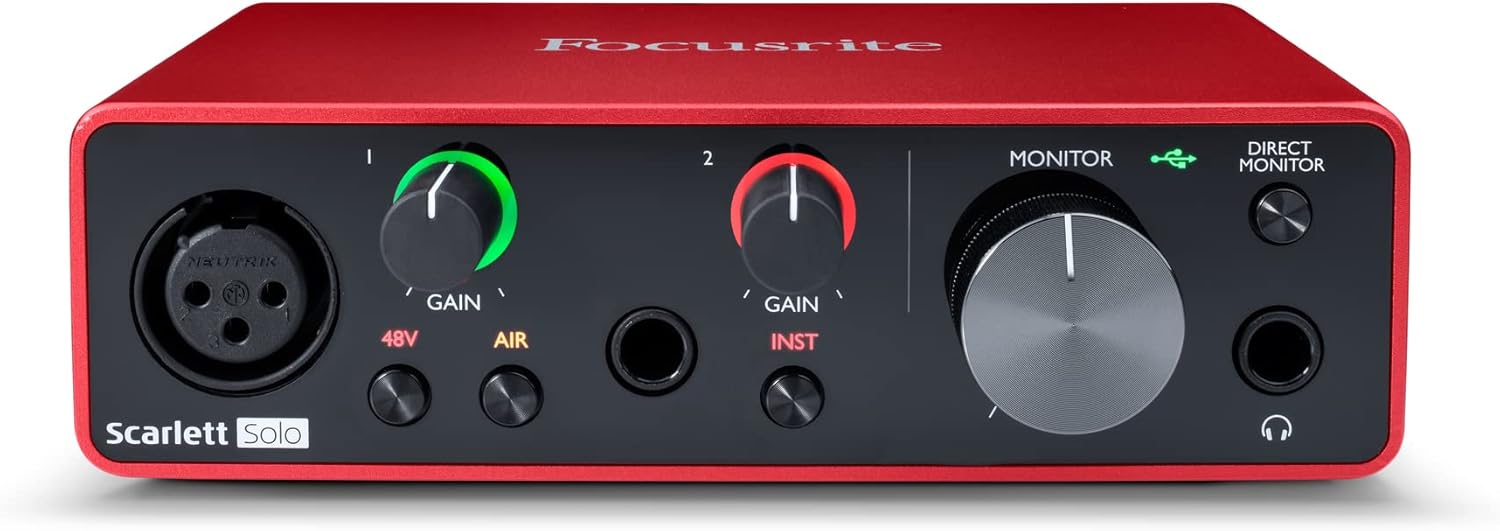
Focusrite Scarlett Solo 3rd Gen USB-C Audio
One XLR mic preamp and one Hi-Z instrument input with 24-bit/192kHz conversion, a switchable Air mode, and USB-C connection.
- Inputs: 2
- Mic preamps: 1
- Max sample rate: 192 kHz
- Bit depth: 24-bit
- Software named in listing: Pro Tools Intro
- 3-year warranty stated

MOTU M2 USB-C Audio Interface
Two mic preamps on combo XLR/TRS inputs, 24-bit/192kHz conversion, MIDI in and out, and LCD meters for all inputs and outputs.
- Inputs: 2
- Mic preamps: 2, the most here
- Outputs: 2
- Max sample rate: 192 kHz
- Bit depth: 24-bit
- 2-year warranty stated
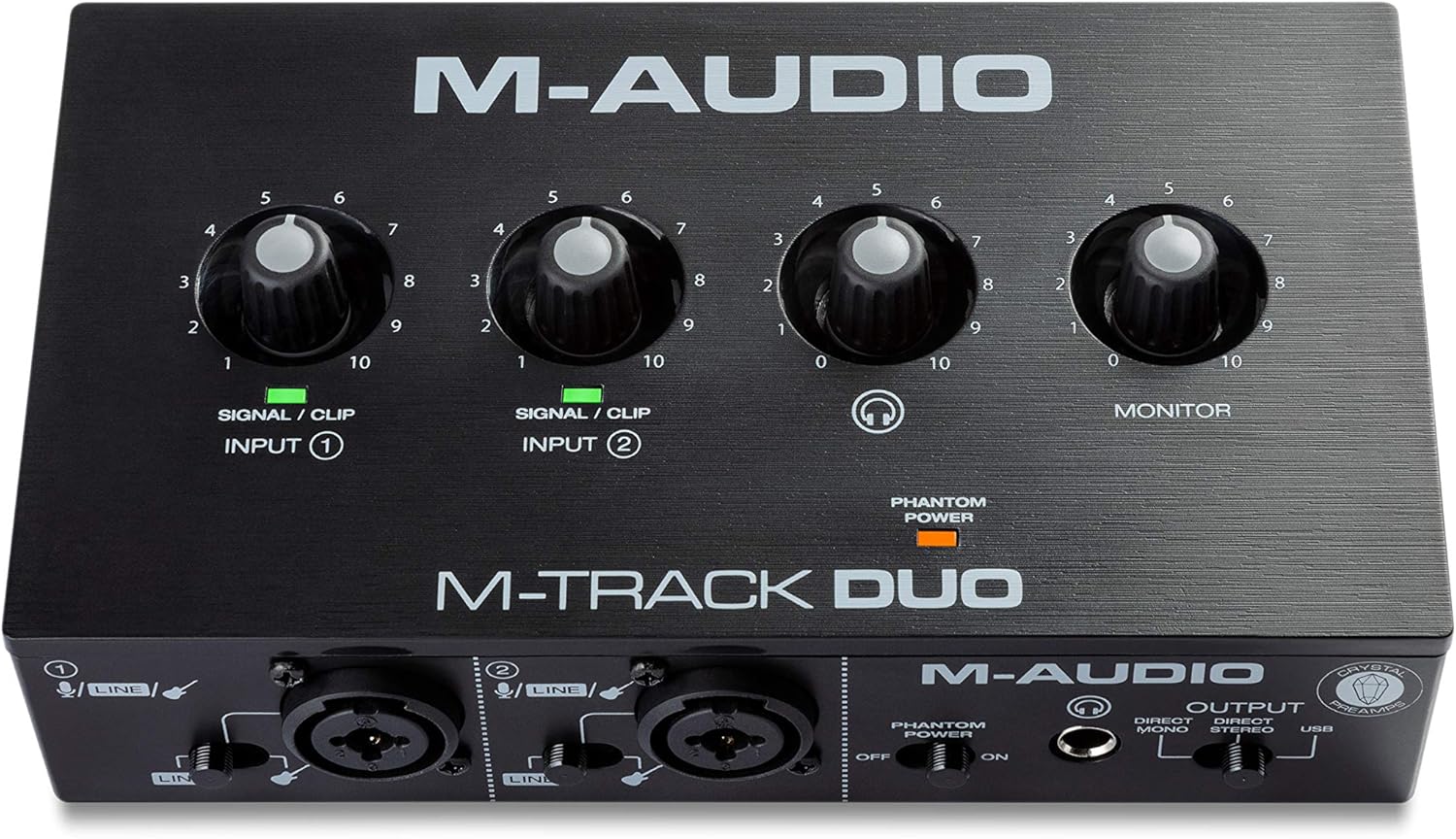
M-AUDIO M-Track Duo USB Audio Interface Dual
Two combo XLR/line/instrument inputs with 48V phantom power, 48kHz resolution, and a USB/Direct switch for zero-latency monitoring.
- Inputs: 2
- Max sample rate: 48 kHz
- 48V phantom power
- Software named in listing: Ableton Live Lite
- 0.7 lb, the lightest here

Focusrite Scarlett Solo 4th Gen USB-C Audio
One XLR mic preamp and one Hi-Z instrument input with 24-bit/192kHz conversion, 120dB dynamic range, and Air modes.
- Inputs: 2
- Mic preamps: 1
- Max sample rate: 192 kHz
- Bit depth: 24-bit
- Software named in listing: Pro Tools Intro
These come from our ranked list Best Audio Interface, which compares them spec by spec.
Frequently asked questions
Do I need an audio interface to record with a microphone?
Yes, if your microphone has an XLR plug. An XLR microphone needs a mic preamp and an analog-to-digital converter, and a computer has neither, so the interface provides both.
Can I plug a guitar straight into an audio interface?
Yes, into a Hi-Z instrument input. A guitar plugs into the instrument input with a 1/4-inch cable, and the interface raises the signal to a level your recording software can use.
What is 48V phantom power?
It is a 48V power supply an interface sends up an XLR cable to run a condenser microphone. Dynamic microphones do not need it, and a standard dynamic mic is not affected when it is on.
Ranked audio interfaces lists
More how-to guides
Product details come from each Amazon listing and can change. Check the listing before you buy.