Audio Mixer vs Audio Interface Explained
Updated Nov 11, 2026 · By  Jonah Mercer · Editorial policy
As an Amazon Associate I earn from qualifying purchases. Buying through the Amazon links on this page costs you nothing extra. Full disclosure
A mixer blends several audio sources into one output for live sound or a single recording track. An audio interface converts microphone and instrument signals into digital audio for a computer, with one input per track. For recording separate tracks on a computer, use an interface; for blending several sources live before recording, use a mixer.
What a mixer does
A mixer takes several microphones, instruments and line sources, sets the level of each with its own fader or knob, and blends them into one stereo output. The blend happens inside the mixer, so the recording or the speakers receive the mixed sound, not the separate sources. A mixer suits live sound, podcasts with several voices in one room, and any setup where the blend must happen before the sound reaches a recorder or speakers.
What an audio interface does
An audio interface connects microphones and instruments to a computer and turns their signals into digital audio the recording software can store as separate tracks. Each input stays separate, so levels and effects can be changed for each track after recording. An interface suits recording one voice or instrument at a time, or a small number of sources that each need their own track.
How the two connect to your setup
A mixer sits between the sources and the speakers or recorder, with microphones and instruments plugged into its inputs and its output feeding the speakers or a recorder. An interface sits between the sources and the computer, with microphones and instruments plugged into its inputs and a USB cable carrying the digital audio to the computer. The mixer output is mixed sound; the interface output is separate tracks in software.
Which one to choose
Choose an interface when the recording happens on a computer and each source needs its own track, or when one microphone and one instrument are the whole setup. Choose a mixer when several sources must be heard together live, or when the blend is set once and the recording takes the mixed sound. Some setups use both: microphones into a mixer, the mixer output into an interface input, and the interface into the computer.
What you need
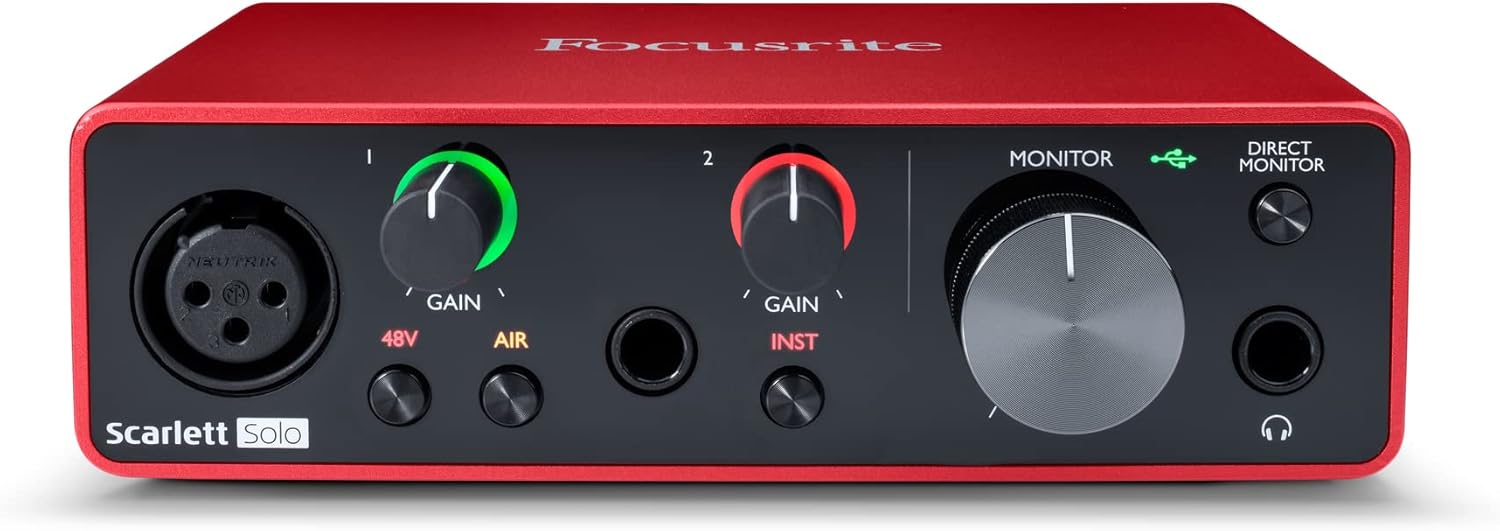
Focusrite Scarlett Solo 3rd Gen USB-C Audio
A one-mic USB-C interface with 1 XLR mic preamp, 1 Hi-Z instrument input, 24-bit/192kHz recording and a switchable Air mode.
- Inputs: 2
- Mic preamps: 1
- Max sample rate: 192 kHz
- Bit depth: 24-bit
- Software named in listing: Pro Tools Intro
- 3-year warranty stated

MOTU M2 USB-C Audio Interface
A USB-C interface with 2 mic preamps, 2-in/2-out, 24-bit/192kHz recording and hardware monitoring.
- Inputs: 2
- Mic preamps: 2, the most here
- Outputs: 2
- Max sample rate: 192 kHz
- Bit depth: 24-bit
- 2-year warranty stated
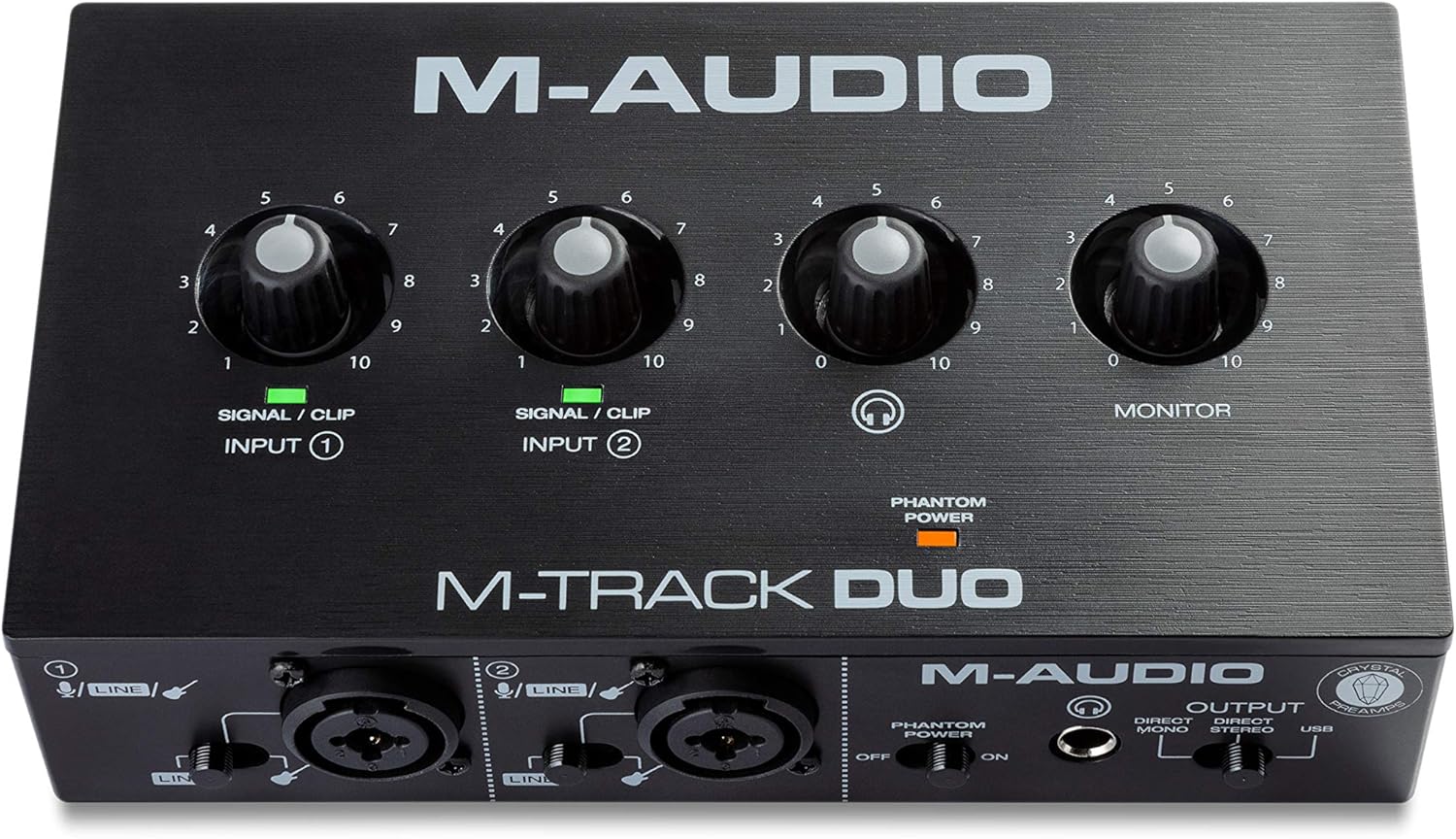
M-AUDIO M-Track Duo USB Audio Interface Dual
A portable USB interface with dual XLR, line and DI inputs, 48kHz recording and 48V phantom power.
- Inputs: 2
- Max sample rate: 48 kHz
- 48V phantom power
- Software named in listing: Ableton Live Lite
- 0.7 lb, the lightest here

Focusrite Scarlett Solo 4th Gen USB-C Audio
A one-mic USB-C interface with 1 XLR mic preamp, 1 Hi-Z instrument input, 24-bit/192kHz recording and 120dB dynamic range.
- Inputs: 2
- Mic preamps: 1
- Max sample rate: 192 kHz
- Bit depth: 24-bit
- Software named in listing: Pro Tools Intro
These come from our ranked list Best Audio Interface, which compares them spec by spec.
Frequently asked questions
Do I need both a mixer and an interface?
Not always. An interface alone covers recording on a computer when each source needs its own track. Add a mixer when several sources must be blended live before the sound reaches the interface or a recorder.
Can a mixer record separate tracks?
A mixer blends its inputs into one output, so a recorder connected to that output gets the mixed sound, not separate tracks. To keep tracks separate, plug each source into its own interface input instead.
What does an audio interface connect to?
An interface connects microphones and instruments on one side and a computer on the other, over a USB cable. The computer stores each input as its own track in the recording software.
Ranked audio interfaces lists
More how-to guides
Product details come from each Amazon listing and can change. Check the listing before you buy.