How to Set a Metronome
Updated Nov 13, 2026 · By  Jonah Mercer · Editorial policy
As an Amazon Associate I earn from qualifying purchases. Buying through the Amazon links on this page costs you nothing extra. Full disclosure
Set a metronome by choosing the tempo in beats per minute and the beat grouping. Turn the dial or tap the tempo button until the display shows the tempo you want, set the beat pattern to match the music, and start the click. Listen for the accented beat at the start of each bar and play along with the clicks.
Set the tempo in beats per minute
Tempo is the speed of the clicks, counted in beats per minute. Turn the dial or press the tempo buttons until the display shows the tempo you want, within the range the metronome covers. The metronomes here cover 40 to 208 beats per minute. If the tempo feels wrong against the music, stop the click, adjust the number, and start it again.
Pick the beat grouping
The beat setting groups the clicks into bars and puts an accent on the beat that starts each bar. Set the beat to match the music: the number you pick is how many clicks sit in each bar, and the accent falls on the beat that starts the bar. A setting of 0 gives an even click with no accent. The mechanical metronomes here offer 0, 2, 3, 4 and 6, while the digital metronome offers beat patterns from 0 to 9. Try the setting with the music and change it if the accent lands in the wrong place.
Wind a mechanical metronome
A mechanical metronome runs on a wind-up mechanism, so wind it fully before you set the tempo. Slide the weight on the pendulum to the tempo marking you want and set the beat selector to the grouping you need. Take off the cover, start the pendulum with a push, and listen for the steady click and the bell on the accented beat.
Use tap tempo on a digital metronome
The Sondery digital metronome has a tap function that lets you set the tempo by tapping along with the music instead of turning a dial. Tap the tap button in time with the music and the metronome reads the tempo from your taps. Check the display after tapping, adjust the tempo if the reading sits above or below the tempo you want, and start the click.
What you need

Sondery Digital Metronome Rechargeable Vocal Counting
A rechargeable digital metronome with vocal counting, a tap function and a timer, covering 40 to 208 beats per minute.
- Top tempo: 208 BPM
- Rechargeable
- Type: Digital

Ueteto Mechanical Metronome Black/Loud Sound Piano Drum
A mechanical metronome with a wind-up mechanism, an audible click and a bell ring, covering 40 to 208 beats per minute with no battery.
- Top tempo: 208 BPM
- Type: Mechanical

HOSEYIN Mechanical Metronome
A mechanical metronome covering 40 to 208 beats per minute, with beat settings of 0, 2, 3, 4 and 6 and a bell sound on the accented beat.
- Top tempo: 208 BPM
- Type: Mechanical
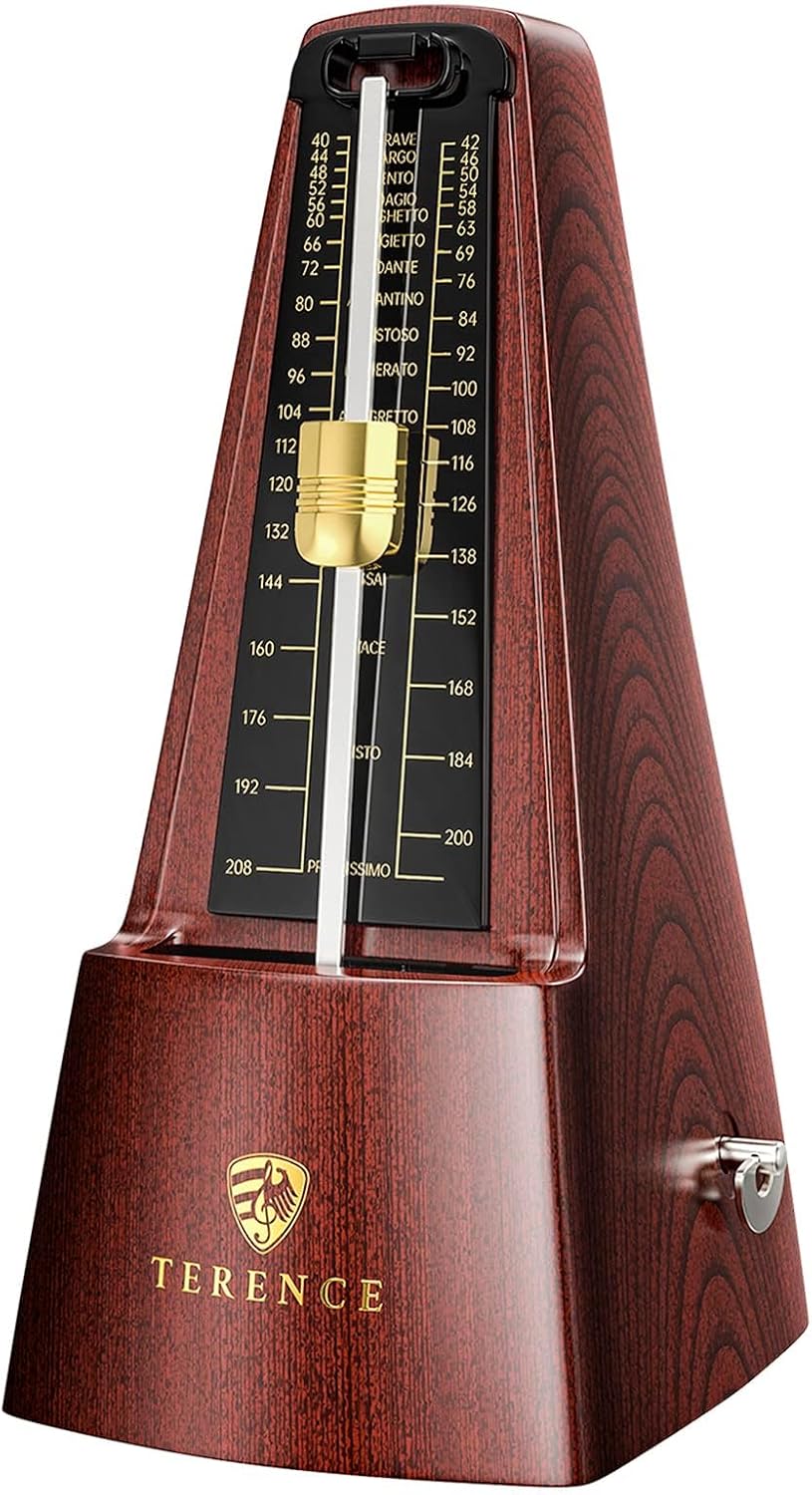
TERENCE Mechanical Metronomes for Piano Guitar Violin Bass
A mechanical metronome with a metal movement, covering 40 to 208 beats per minute with beat settings of 0, 2, 3, 4 and 6.
- Top tempo: 208 BPM
- Type: Mechanical
These come from our ranked list Best Metronome, which compares them spec by spec.
Frequently asked questions
What tempo should I set on a metronome?
Set the tempo in beats per minute to match the music. The metronomes here cover 40 to 208 beats per minute, so pick the tempo the music calls for and adjust it until the clicks line up with the beat.
What does the beat setting on a metronome do?
The beat setting groups the clicks into bars and puts an accent on the beat that starts each bar. A setting of 0 gives an even click with no accent, while a setting of 4 groups the clicks with the accent on the start of the bar.
Do I need batteries for a mechanical metronome?
No. A mechanical metronome runs on a wind-up mechanism, so wind it fully and it clicks without batteries. The digital metronome here runs on a rechargeable battery and charges over USB.
Ranked metronomes lists
More how-to guides
Product details come from each Amazon listing and can change. Check the listing before you buy.