How to Use a Clip-On Tuner on Acoustic Guitar
Updated Nov 12, 2026 · By  Jonah Mercer · Editorial policy
As an Amazon Associate I earn from qualifying purchases. Buying through the Amazon links on this page costs you nothing extra. Full disclosure
A clip-on tuner reads the vibration of the guitar through the headstock: clip it on, pluck a string, and turn its tuning peg until the display shows the right note. Start with the low E string and work across to the high E string, tuning each string up to pitch.
Clip the tuner to the headstock
Clip the tuner onto the headstock so the clip grips the wood and the display faces you. The tuner reads vibration through the clip, so it needs firm contact with the headstock, not a loose hold. Turn the display until you can read it while you hold the guitar in playing position.
Set the tuner to guitar mode
Set the tuner to guitar mode if it has one, so the display shows the note each string should be: E A D G B E from the low string to the high string. Chromatic mode works too, but it shows every note, so you have to know which note each string takes. Check that the calibration reads A440, the standard pitch, before you start.
Pluck one string at a time
Pluck the low E string with your pick or finger and let it ring while you watch the display. Mute the other strings with your fretting hand so their sound does not reach the tuner. Wait for the display to settle on a note before you turn the peg.
Turn the peg up to pitch
Turn the tuning peg until the display shows the right note with the needle centered, or the screen showing in tune. If the string reads flat, tighten the peg; if it reads sharp, loosen the peg below the note and then tune back up to it. Small turns move the pitch a long way, so turn slowly and pluck the string again after each turn.
Work across all the strings
Tune each string in turn from the low E to the high E, checking the display for each one. When a string is in tune, move to the next string and leave the tuned strings alone. Go back over all the strings once more, because tightening one string can pull the others slightly out of tune.
Leave the tuner on or take it off
You can leave the clip-on tuner on the headstock while you play, or take it off and put it away when you finish tuning. If you leave it on, keep the display where it does not catch on the case when you put the guitar away. Replace the battery when the display grows dim or the tuner stops responding.
What you need

KLIQ UberTuner Clip On Guitar Tuner
A chromatic clip-on tuner with a 360-degree rotating color display and dedicated modes for guitar, bass, violin, ukulele, mandolin and banjo.
- Chromatic mode
- Accuracy: 1 cents
- Tuner type: Clip On
- 3 year warranty stated

Sondery Rechargeable Clip On Tuner TFT
A rechargeable clip-on tuner with a TFT screen, a calibration range of 410 to 460 Hz, and a USB cable for charging.
- Chromatic mode
- Rechargeable
- Tuner type: Clip On
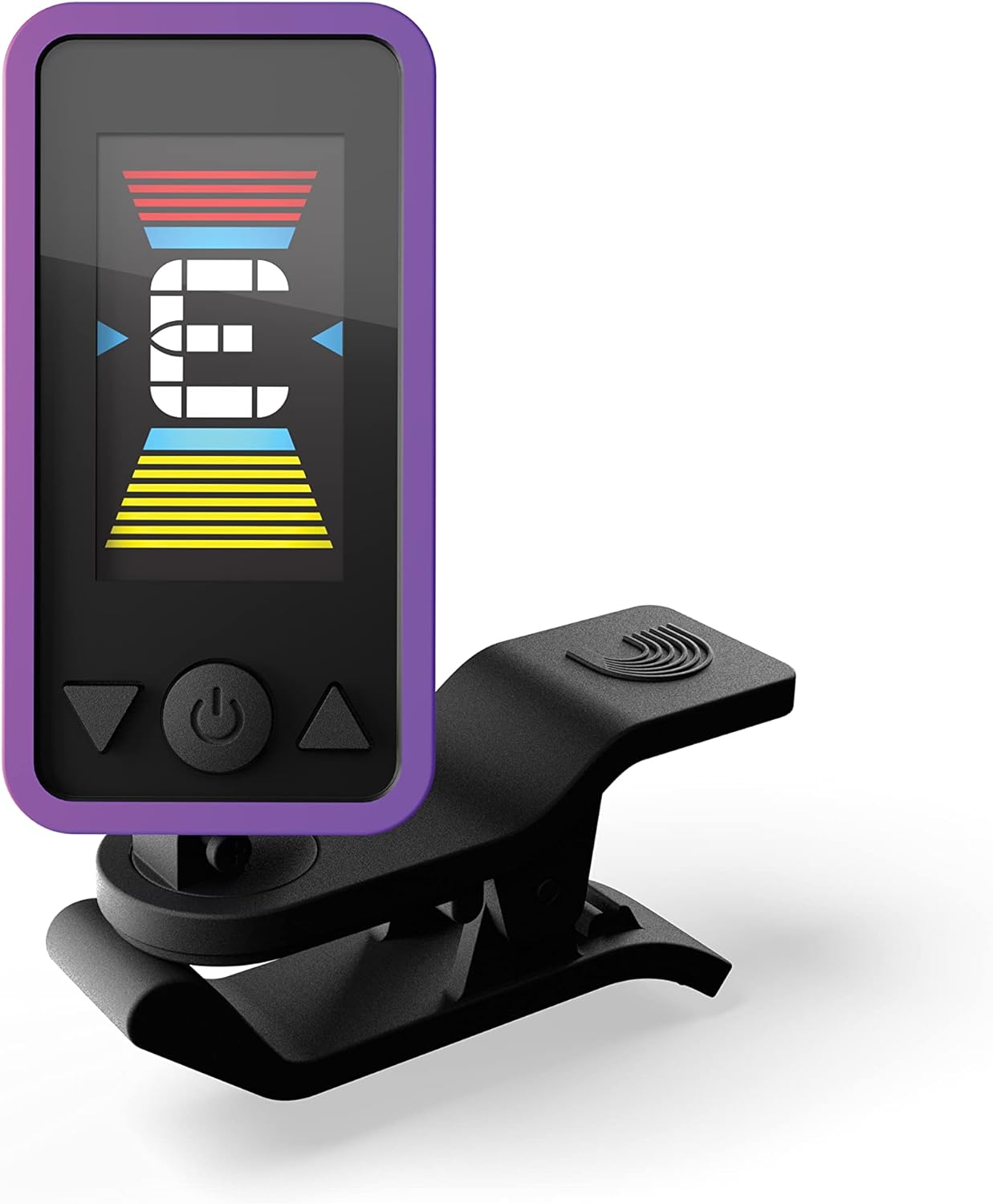
D'Addario Eclipse Headstock Clip-On Guitar Tuner
A headstock clip-on tuner with a large full-color display, a strong clamp, and a calibration range of 435 to 450 Hz.
- Tuner type: Headstock

AODSK Clip-on Guitar Tuner Accurate Chromatic
A chromatic clip-on tuner with a 360-degree rotatable full-color display, a rubber-padded clip, and 10 guitar picks in the box.
- Chromatic mode
- Tuner type: Clip-On
These come from our ranked list Best Clip on Acoustic Guitar Tuner, which compares them spec by spec.
Frequently asked questions
Why does my tuner show the wrong note?
The tuner may be reading a different string, or a harmonic of the string you plucked. Mute the other strings, pluck the string again, and check that the tuner is in guitar mode rather than chromatic mode.
Can I tune in a noisy room?
Yes. A clip-on tuner reads vibration through the headstock, not sound through the air, so background noise does not affect the reading. Other players can keep playing while you tune.
Do I tune up or down to a note?
Tune up to the note. If a string reads sharp, loosen the peg below the note first, then tighten it back up to pitch, which keeps the string seated against the peg.
Ranked guitar tuners lists
More how-to guides
Product details come from each Amazon listing and can change. Check the listing before you buy.